
Overview
These are the checkpoints for our project. With each step, we learn and gain more infromation about the design process as well as gaining more insight into our problem domain and building a better, more meaningful product. Enjoy!
- Helm Design Collective
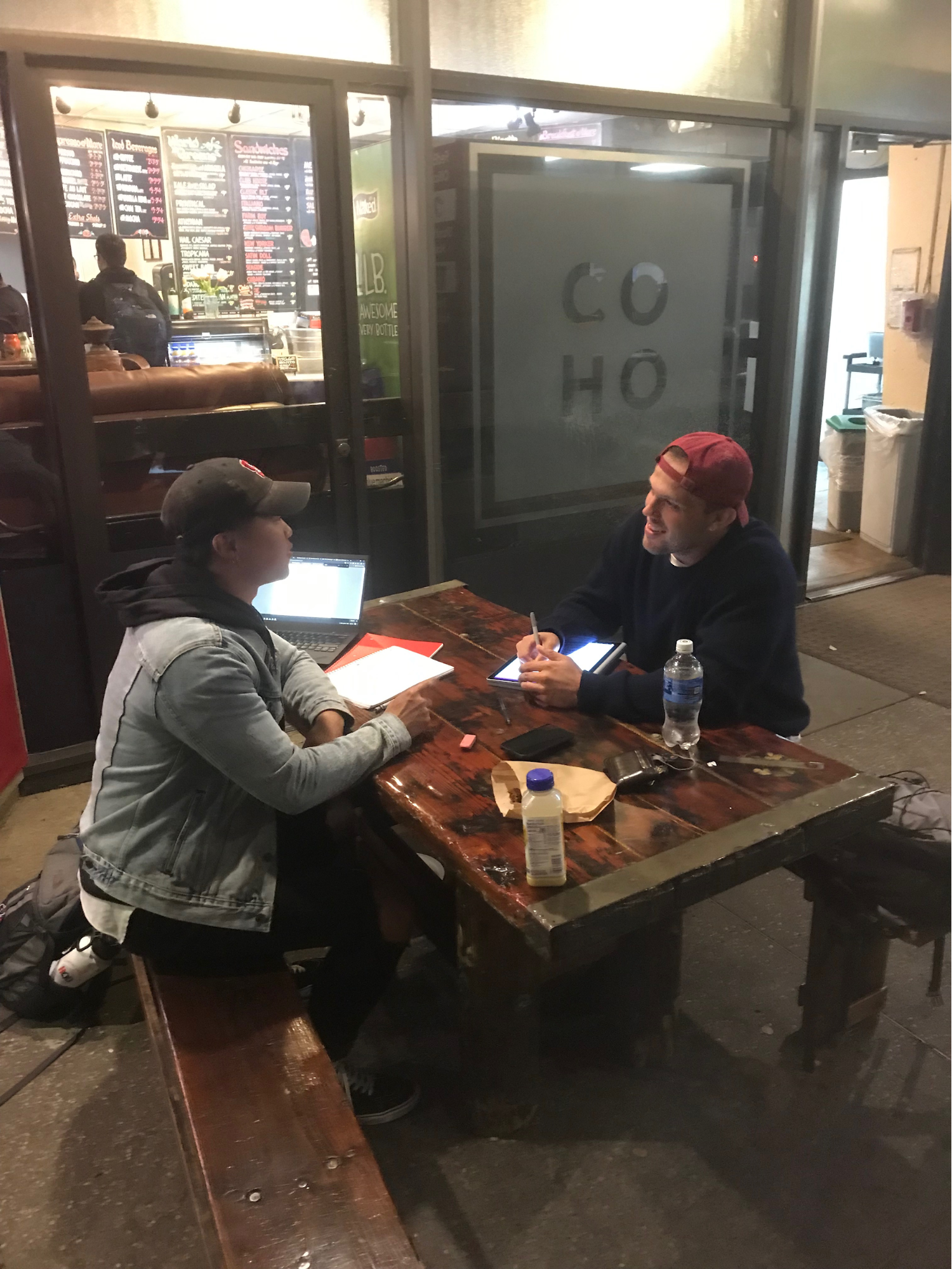
Needfinding
This was our first round of needfinding for our project in which we interviewed random strangers or someone we knew in the field of education. With the data collected from our interviews, we were able to gain some insight and inferences into people's beliefs and understanding of technology and specifically its use in the classroom. From each of the interviews, we created an empathy map which we then developed our own beliefs and understandings upon.
View Slides
Download Slides: pdf, pptx
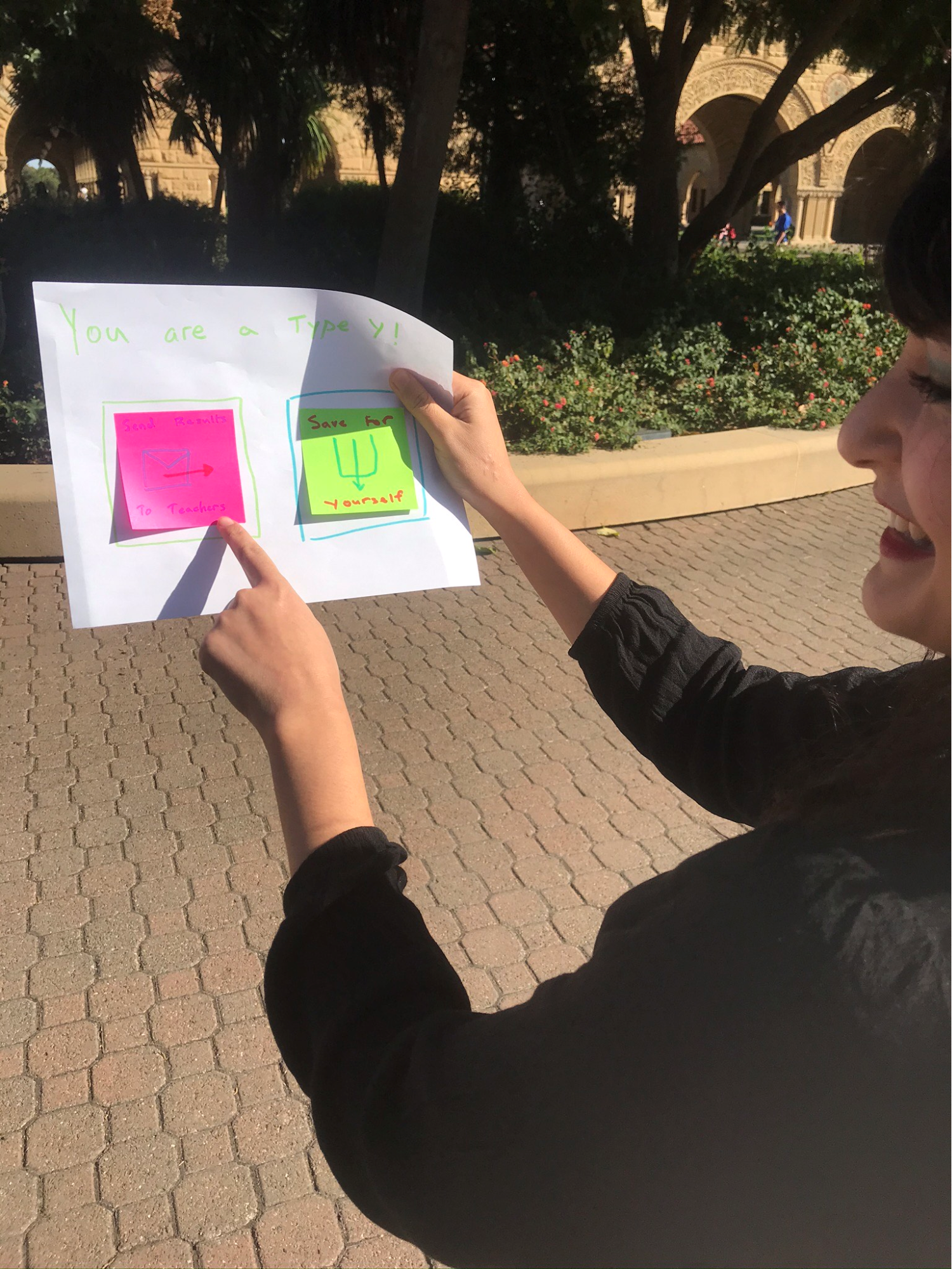
POVs and Experience Prototype
Here we revisited the findings from our needfinding which lead to interviewing more participants based on a deeper focus. From these new interviewees, we began to formulate points of view (POVs) for our potential users. From there, we came up with several “How Might We” (HMW) statements to frame the problem area and intended design goal. Using the HMWs, we then began brainstorming several solutions. With these solutions, we created and tested three “experience prototypes” to further our needfinding and develop a better idea for our project.
View Report
View Slides
Download Slides: pdf, pptx
Concept Video
Now with this taks we would continue to learn how to brainstorm on design ideas and then turn these ideas into a concept video. We were able to expand and really think about what our solution would be, as well as better represent the design of our solutions for a larger audience. This was a big step for us as we officially commited to our solution of Lessonly and began building upon the idea.
View Slides
Download Slides: pdf, pptx
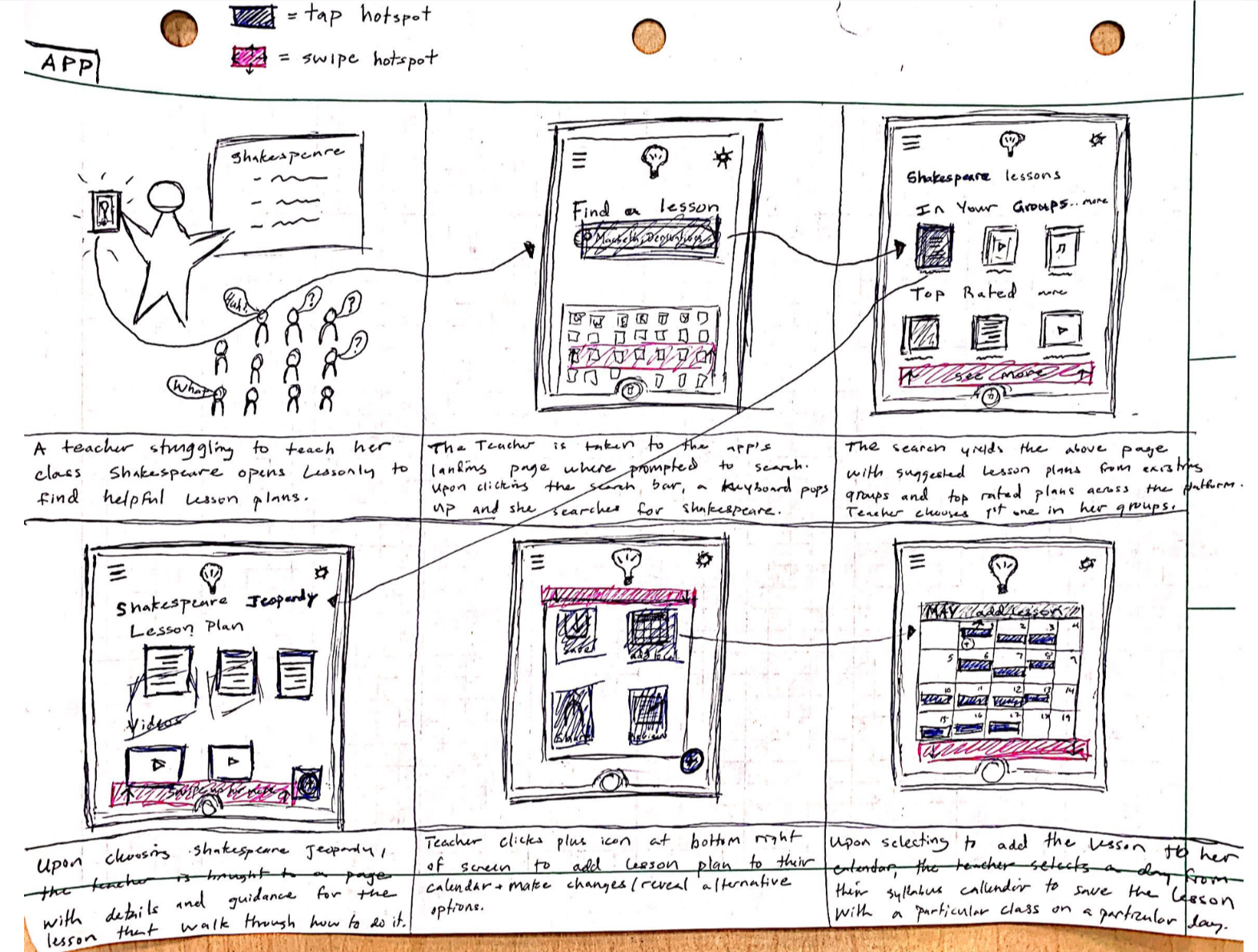
Low-fi Prototyping & Pilot Usability Testing
This next task for us was to learn how to use low-fi prototyping in the early stages of UI design. We went about sketching many different designs that could possibly implement our solution of Lessonly. We then selected the best of these designs to test further and from them built a low-fi prototype as well as performing a usability test. From these results, we will be able to use the information and feedback we get to improve our solution in the future.
Report
View Slides
Download Slides: pdf, pptx
Interactive Medium-fi Prototype
We built a medium-fidelity prototype from user interface ideas using an interactive user interface design tool, Figma. Through this process we dicsovered some tradeoffs compared to low-fi prototyping or as well as designing a prototype through coding. We then revised our user interface ideas based on the insights from our low-fi prototype user testing and feedback from our studio peers and CA. Then, we used Figma to build a medium-fidelity prototype of the updated and improved design.
README
View Slides
Download Slides: pdf, pptx
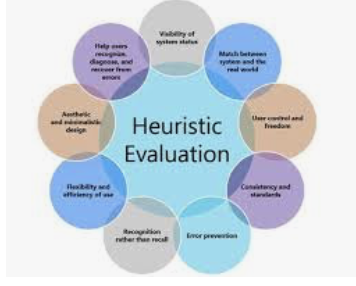
Group Heuristic Evaluation
Through our heuristic evaluation process, we learned how to find usability problems in a user interface design. We strategically analyzed an interface against usability principles, or heuristics, and compiled a list of improvements for that interface. Given our heuristic violations, we were able to narrow down the most necessary changes to make to our interface design. We focused on improving our user control and freedom, the match between the system and the real world, and consistency throughout the interface.
Report
Hi-fidelity Prototype
In this assignment, we revised our user interface using critiques from the heuristic evaluation and used interactive tools to make a running prototype of our design. Our design made improvements on user control, aesthetics, and consistency. We used Wizard of Oz techniques to help ensure lesson plan creativity and quality for the user, and implement real-time, in-lesson cues. We created our hi-fidelity prototype using React Native and Firebase technology, and we it is accessible on the iPhone via the Expo application.
View README
HiFi Prototype
Download Zip File
View Final Report
Download Final Report
View Slides
Download Slides: pdf, pptx
Poster & Pitch
Our final poster and pitch for the CS 147 Expo!
View Poster
Download Poster
View Pitch
Download Pitch